

Runway ML Review: AI Video Editing for Creatives
From text-to-video to advanced editing, Runway offers powerful AI tools for video creators - at a price.
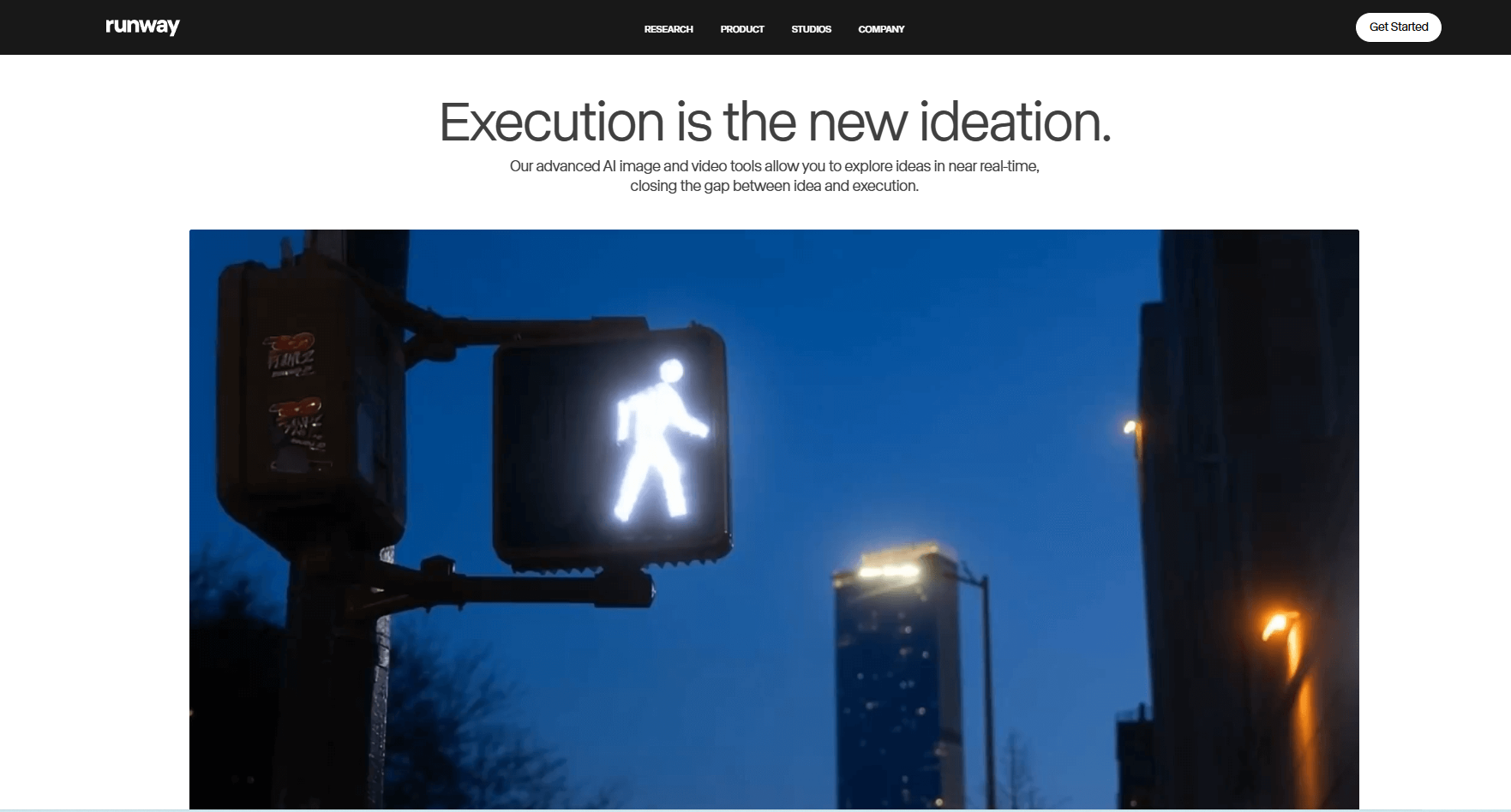
Overview
Runway ML has evolved from a research platform into a comprehensive suite of AI-powered video creation tools. Targeting professional creators and studios, Runway offers everything from text-to-video generation to advanced editing features like object removal, motion tracking, and style transfer - all powered by machine learning.
Version Tested
Runway Studio v3.2
Platform
Web-based, Desktop apps
AI Models
30+ specialized models
Free Tier
Trial available
Note: Runway's most advanced features require significant computing power and are only available on paid plans with limited monthly credits.
Key Features
Runway ML offers an extensive toolkit for AI-powered video creation and editing:
Text-to-Video
Generate video clips from text prompts with control over style and motion.
AI Editing Tools
Remove objects, extend frames, stabilize footage, and more with AI.
Style Transfer
Apply artistic styles to videos or transfer looks between clips.
Audio Tools
Generate music, clean up audio, and separate tracks with AI.
Image Generation
Create still images that can be animated in the video timeline.
Custom Models
Train AI models on your own style or content (Enterprise only).
Pros & Cons
Pros
- Industry-leading AI video generation quality
- Comprehensive suite of creative tools
- Professional-grade output options
- Regular addition of new features
- Good integration with traditional editors
- Active community of creative professionals
Cons
- Expensive for full feature access
- Steep learning curve for beginners
- Credit system limits usage
- Some features still experimental
- Render times can be slow
- No offline functionality
Pricing & Plans
Runway ML uses a credit-based system with several subscription tiers:
Basic
- 125 credits/month
- 720p exports
- Basic AI tools
- 5GB storage
- Watermarked exports
Pro
- 625 credits/month
- 1080p exports
- All AI tools
- 100GB storage
- No watermark
Enterprise
- 2250 credits/month
- 4K exports
- Custom models
- 1TB storage
- Priority rendering
Note: Credits are consumed based on tool usage and output length. 1 credit ≈ 1 second of generated video at standard quality.
How It Compares
Runway ML competes in the emerging AI video generation and editing space:
| Feature | Runway ML | Pika Labs | Synthesia | Adobe Firefly |
|---|---|---|---|---|
| Video Generation | ★★★★★ | ★★★★☆ | ★★★☆☆ | ★★★☆☆ |
| Editing Tools | ★★★★★ | ★★☆☆☆ | ★☆☆☆☆ | ★★★★☆ |
| Customization | ★★★★☆ | ★★★☆☆ | ★★☆☆☆ | ★★★★☆ |
| Ease of Use | ★★★☆☆ | ★★★★☆ | ★★★★★ | ★★★★☆ |
| Output Quality | ★★★★★ | ★★★★☆ | ★★★☆☆ | ★★★★☆ |
| Pricing | $$$ | Free-$ | $$ | $$ |
Best Use Cases
Runway ML shines in several professional video production scenarios:
Concept Visualization
Quickly prototype scenes or styles before full production begins.
Social Media Content
Create eye-catching short videos with unique AI effects.
Post-Production
Enhance footage with AI tools for object removal, stabilization, etc.
Music Videos
Generate psychedelic visuals that sync to audio tracks.
Commercial Work
Produce product visuals without expensive photoshoots.
Art Projects
Experiment with AI-generated visuals for installations or films.
Expert Tips
Maximize your Runway ML experience with these professional techniques:
Prompt Engineering
Use specific, visual language in text prompts ("cinematic shot of...").
Iterative Generation
Generate multiple variations and composite the best parts.
Hybrid Workflows
Combine AI-generated elements with traditional footage.
Credit Management
Preview at lower quality before committing credits to final render.
Style Mixing
Blend multiple style references for unique looks.
Batch Processing
Queue multiple operations overnight to save time.
Alternatives to Consider
Depending on your needs, these Runway alternatives might be worth exploring:
Pika Labs
Best for: Experimental video, lower budgets
Limitations: Fewer professional features
Synthesia
Best for: Talking head videos, presentations
Limitations: Limited creativity
Adobe Firefly
Best for: Adobe ecosystem users
Limitations: Less video-focused
Frequently Asked Questions
Is Runway ML suitable for complete beginners?
+While beginners can use Runway, it has a steeper learning curve than some consumer-focused tools. Those new to video editing may want to start with simpler apps before graduating to Runway's professional features.
How does the credit system work?
+Credits are consumed based on tool usage and output length. Simple operations cost fewer credits than complex generations. Unused credits don't roll over, so plan your monthly usage accordingly.
Can I use Runway ML commercially?
+Yes, all paid plans allow commercial use of generated content. Be aware that some AI models may have limitations regarding recognizable people or trademarks.
Does Runway offer any offline functionality?
+No, all processing happens on Runway's servers. The desktop apps still require an internet connection. For offline work, consider traditional editing software with AI plugins.
How does Runway compare to MidJourney for video?
+Runway offers more professional video editing tools and finer control over generations, while MidJourney focuses more on artistic exploration. Many professionals use both for different purposes.
Ready to Revolutionize Your Video Workflow?
Runway ML brings powerful AI tools to professional video creation and editing.
Try Runway MLLast Updated: May 15, 2025 | Suggest an Update